
On this page
- Most common OCR errors: 0 and O, comma and point, silent wrong digits
- Why OCR reads a page wrong: rotated scans and hard pages
- OCR hallucination and probability: why a wrong word still looks likely
- Two OCR engines produce a review list: differing words, low confidence, superscripts
- How to review OCR output: check only words below a confidence threshold
Your OCR result looks tidy and one number in it is wrong. Where did it come from, and how do you find the next one before it costs money? Automatic correction sounds helpful until a rule turns one wrong digit into a believable wrong word. A better plan is to find the places where the reading is unsure and look at those.
On six hard pages with 135 target values, the character engine alone found 105, 5 of them silently wrong. The combination of a language model and a character OCR engine found 131, none silently wrong. Source: run on six hard pages, published in the gallery.
Which means: the errors that cost money are the ones without a warning, and a second reading can give you the warning.
Most common OCR errors: 0 and O, comma and point, silent wrong digits
A word can be missing, wrong with a warning, or wrong without a warning. The third kind costs money, because nobody looks at it. The usual suspects:
- 0 and O, 1 and l and I, 5 and S.
- Comma and point in numbers, where one flips the amount.
- Hyphens at a line end, and dashes read as minus signs.
- Superscripts such as footnote marks, read as part of the number.
Why OCR reads a page wrong: rotated scans and hard pages
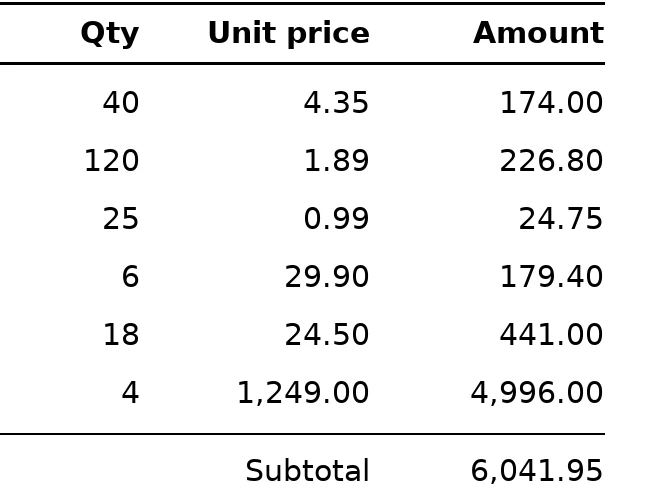
The page is turned. On one page, the share of words with a right box rose from 13 % to 99 % once the page was turned upright. Of 240 turned pages (80 pages, each in three rotations), the pipeline with page orientation named the right turn for 231 and brought 223 back upright. Own runs; more in rotated pages and word boxes.
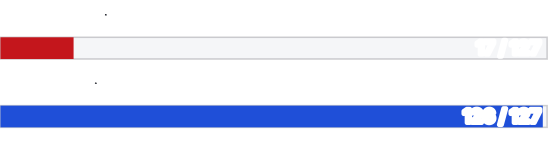
The page is hard. Fax look, tables and small numbers are what the six hard pages above are made of: the character engine alone misread 5 values without a mark.
OCR hallucination and probability: why a wrong word still looks likely
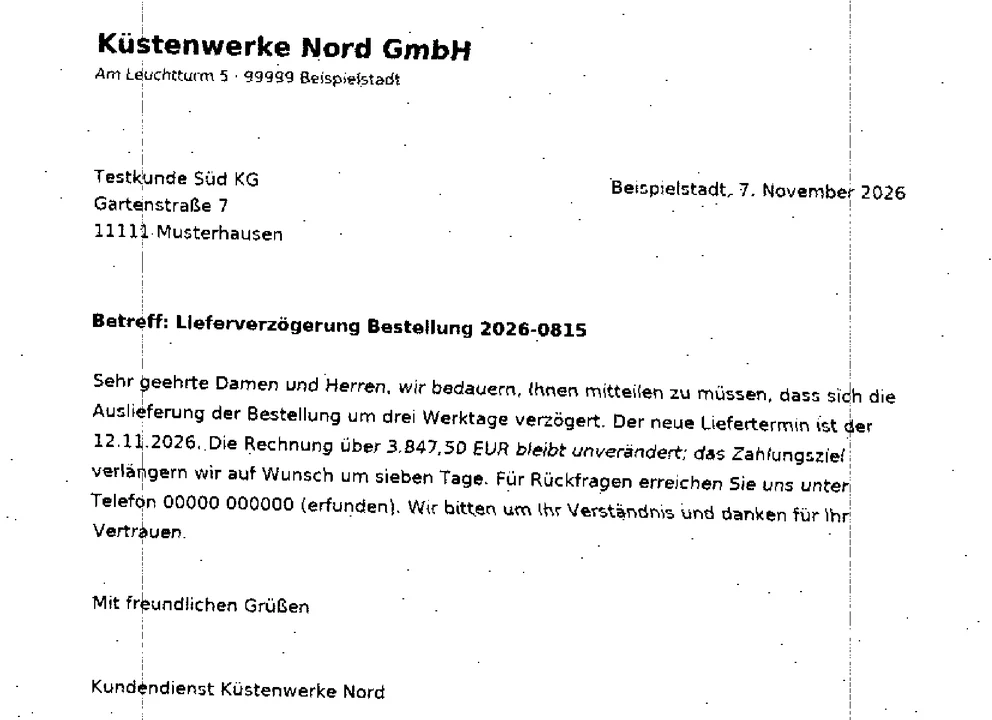
A language model reads a word as the likely word. That helps with ordinary text and hurts with numbers and names, because a likely wrong word looks right. In a run over 300 pages, a language model alone inserted 102 passages that are not on the page.
Source: run on 300 public pages.
Two OCR engines produce a review list: differing words, low confidence, superscripts
Where a language model and a character OCR engine both read the same word, they usually agree. Where they differ, there is the list to check. On 20 pages with 4,406 words, 65 words were marked as read differently, 98 differed only in punctuation, 17 had a low confidence, and 15 were superscripts.
Source: offline run on 20 pages. "Differs" means two OCR engines see different things; either one can be the right one.
How to review OCR output: check only words below a confidence threshold
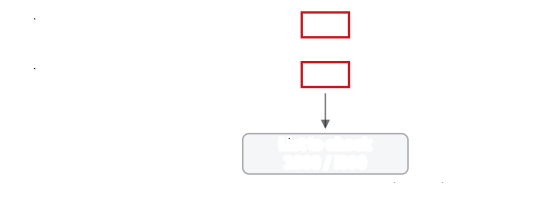
- Check the orientation of your pages first.
- Ask for
format=json. Every word carries a box and a confidence. - Choose a threshold and take the words below it, plus the words marked as differing.
- Show each with its box cut out of the page.
- Check totals against their parts as a second witness for numbers.
The call also lets you choose the render resolution of a PDF page (150, 200 or 300 dpi); try two on a sample and compare. The steps above are a recipe on top of the JSON answer: word text, box, confidence and flag are the inputs, the threshold is yours.
Production use, high volume or your own server?
Private use and tests are free. For a company in production, a server of your own or a pipeline built on your pages, send the kind of page and the volume, and get a written offer, or a clear no when the fit is not there.
