
On this page
Your archive holds scans you cannot search. Ask for a searchable PDF: it looks exactly like the scan and can be searched, selected and copied, because the picture is not touched and the text sits invisibly on top of it. The original is sent again with the call, because documents are deleted when the job ends.
What is a searchable PDF? A scan with an invisible OCR text layer
Your original document with an invisible text layer, placed where each word or line sits on the page. For an archive it is the usual end product: one file per document, the look of the scan, full-text search in any PDF viewer. Attached to a booking, it lets a clerk copy an amount out of the scan.
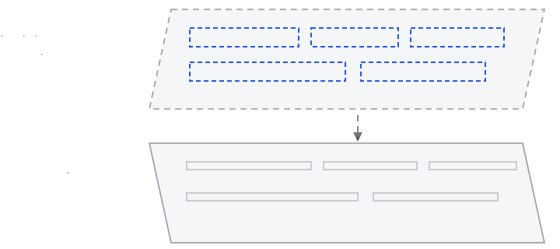
Searchable PDF example: check the OCR text layer with pdftotext
What sits in the text layer for the Czech till receipt are the words of the JSON answer, each at its box. Any PDF tool shows them:
pdftotext -layout scan-durchsuchbar.pdf - | head -n 2
NA VŠE, CO DĚLÁME,
CHCEME ZNÁT VÁŠ NÁZOR
Text layer of the same CC0 receipt as in the JSON post, shortened. The PDF is built from the JSON words by fixed rules.
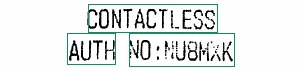
How to make a scanned PDF searchable through the API
POST to result?format=pdf with your original as the body; the full call is in the format reference. A GET answers 422 source_required, and an original whose page count or size differs from the job answers 422 source_mismatch, so the text layer always sits on the right pages.
Searchable PDF text layer: word level or line level, and unread pages
With the pipelines that read words the layer is on word level. With the others it is one piece of text per line, stretched over the box: search and page selection work, and single words can sit a few points off. A page without text gets a visible strip at the top (OCR FAILED or OCR NOT RUN), and the response header X-Pages-Unread names it, so an unread page is always marked. For a language model, Markdown or JSON is the better output. The words with their boxes, which the layer is made of, are in the gallery.